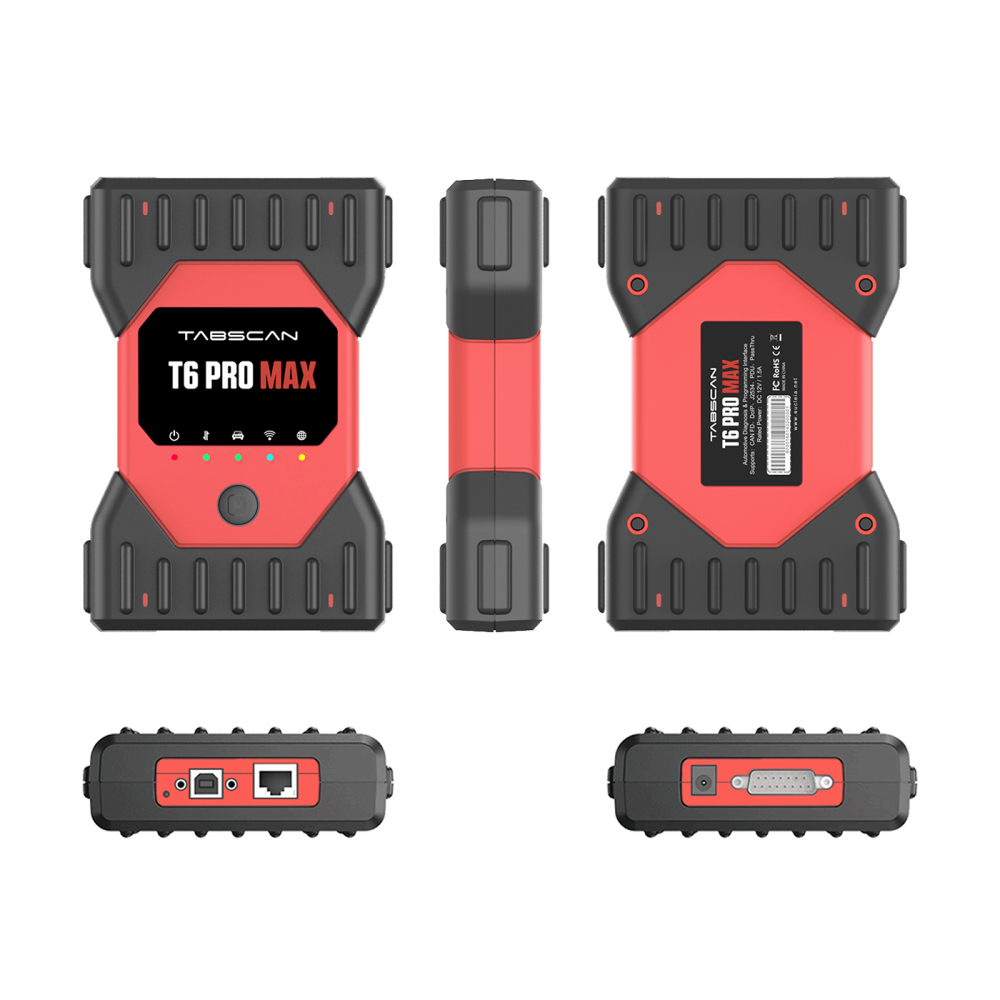
Eucleia TabScan T6PRO MAX 13-in-1 Multi-Brand Diagnostic & Programming Interface
- Brand: Eucleia
- Product Code: T6PRO-MAX
- Availability: In Stock
£850.00
- ✔ Price includes VAT
Eucleia TabScan T6PRO MAX
Supplied by CARVAUK Diagnostics Ltd — Authorised Eucleia Distributor
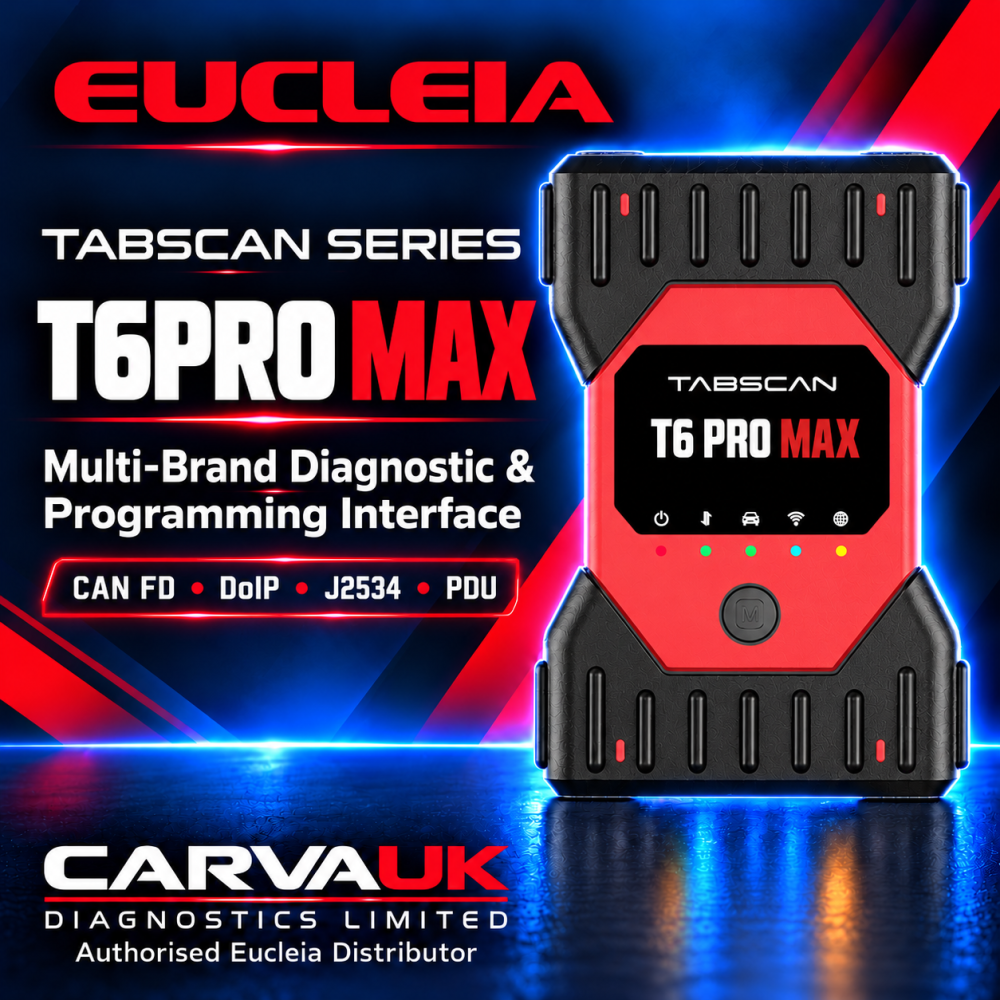
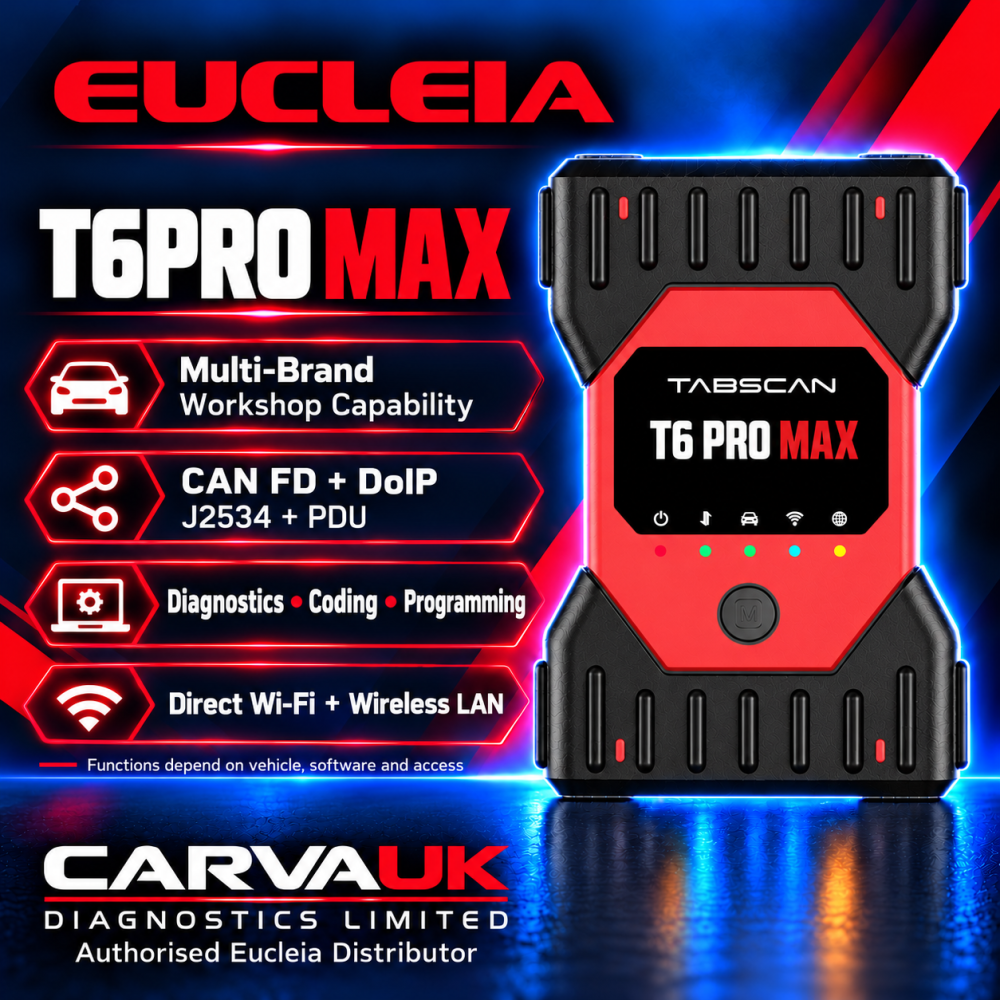
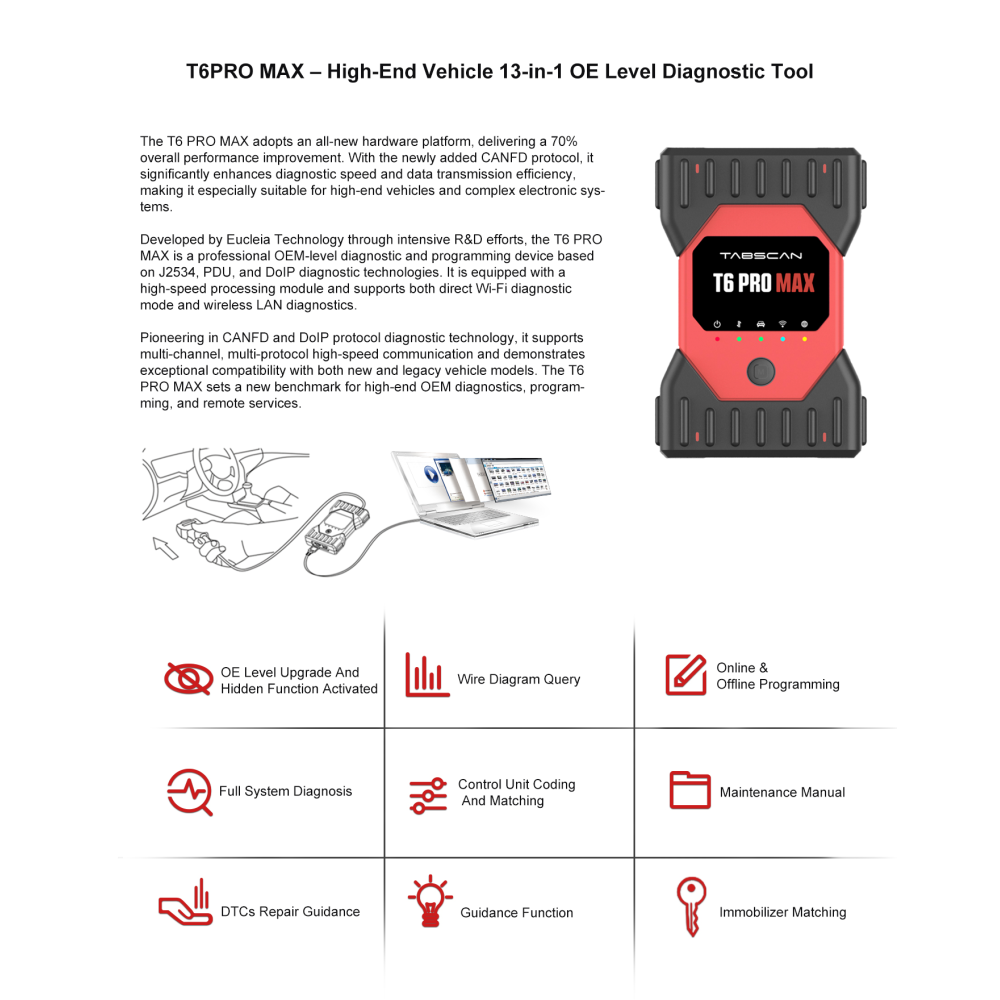
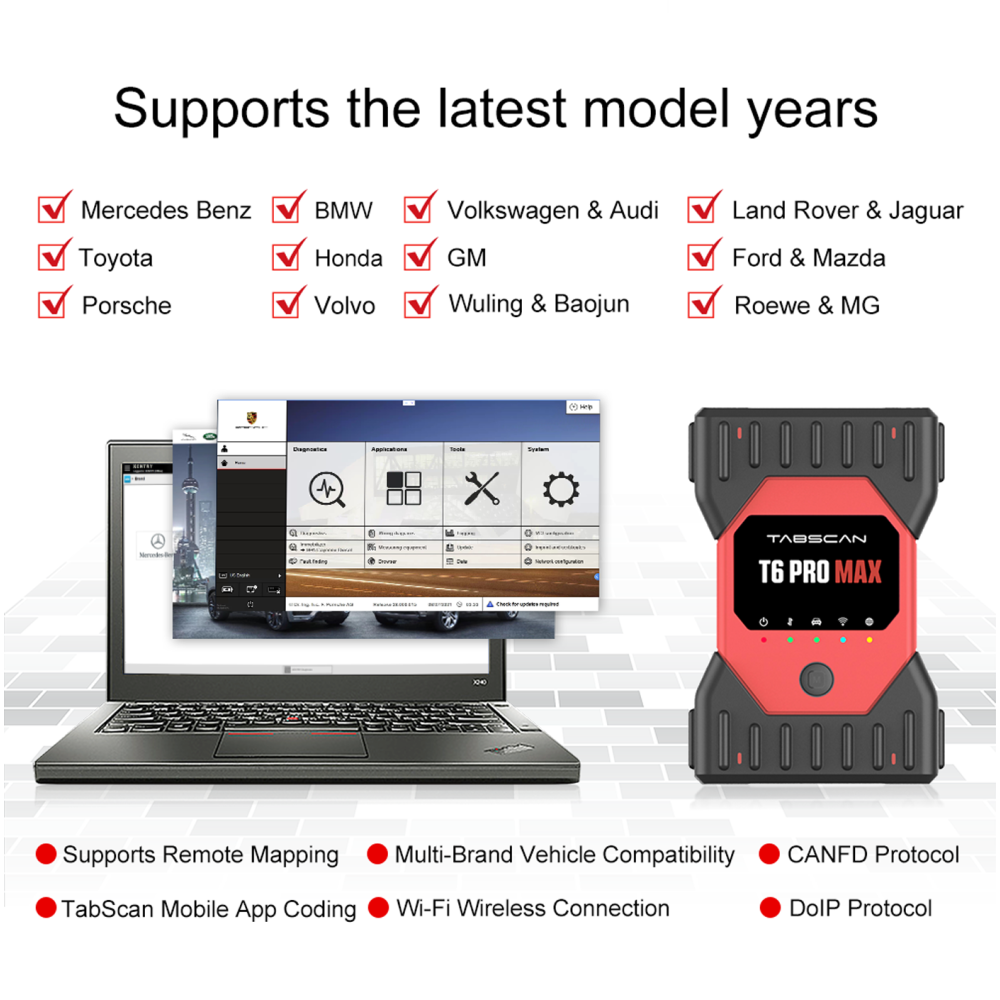
Eucleia’s flagship 13-in-1 multi-brand interface brings supported OEM diagnostic and programming workflows into one professional workshop device.
A Broader Workshop Capability
Its new hardware platform supports multi-channel communication, CAN FD, DoIP, J2534 and PDU, with direct Wi-Fi and wireless LAN diagnostics.
Eucleia claims a 70% performance improvement. No benchmark is specified, and CARVAUK has not independently measured that figure.
13-in-1 Application Platform
Manufacturer-listed families include:
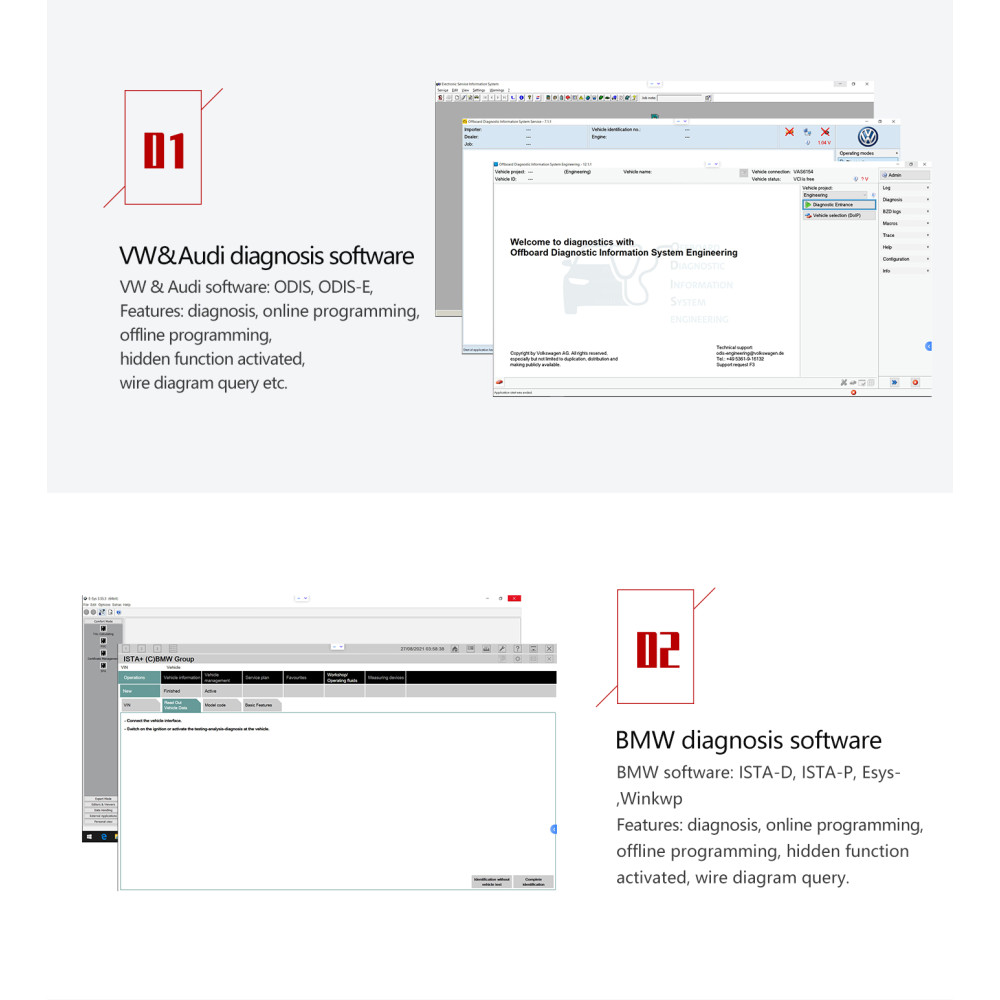
• Volkswagen / Audi — ODIS
• BMW — ISTA, E-Sys, WinKFP
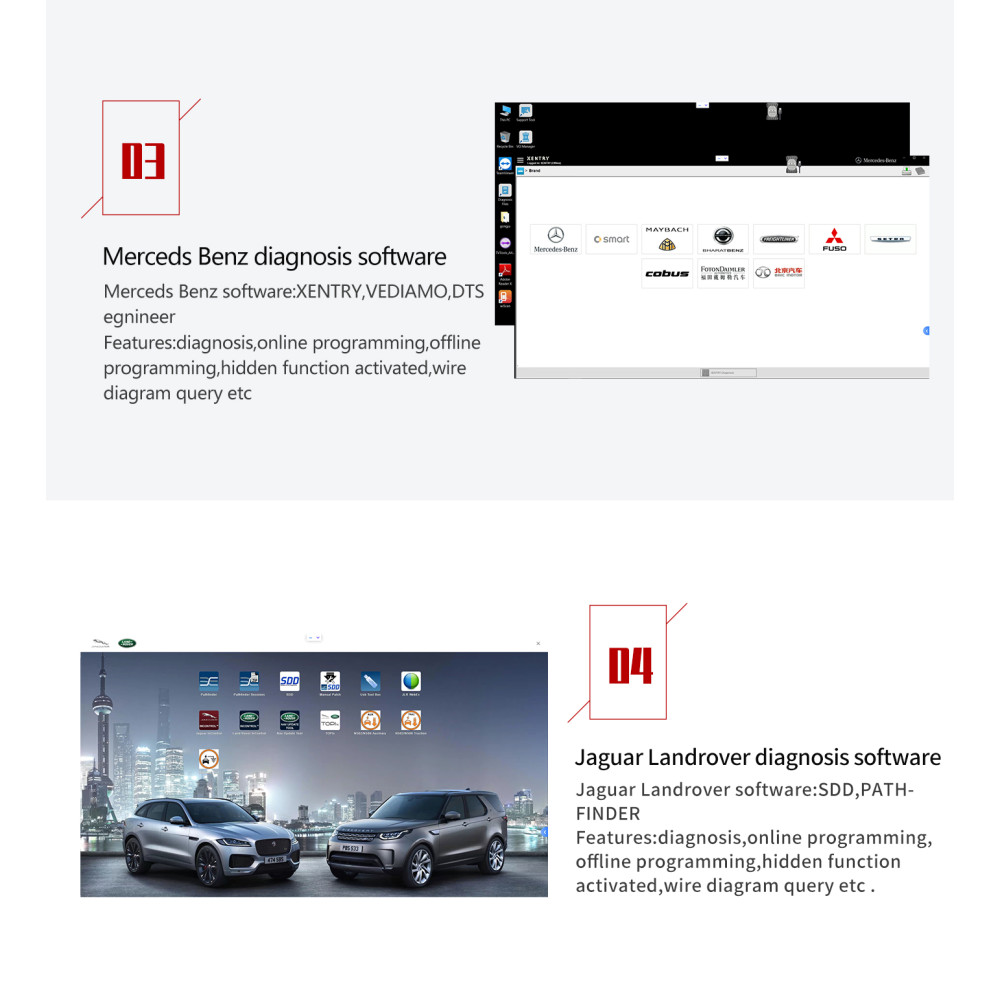
• Mercedes-Benz — XENTRY, Vediamo, DTS
• Jaguar / Land Rover — SDD, Pathfinder
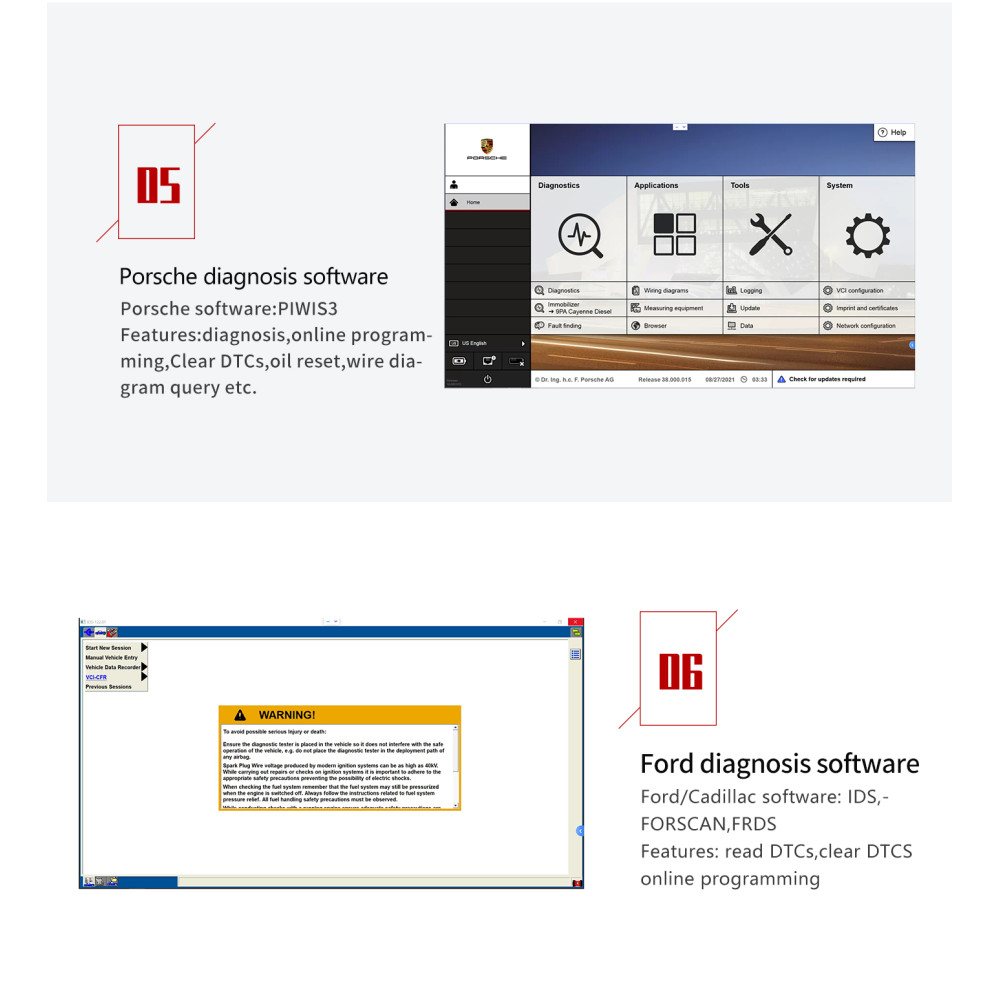
• Porsche — PIWIS 3
• Ford — IDS, FORScan, FDRS
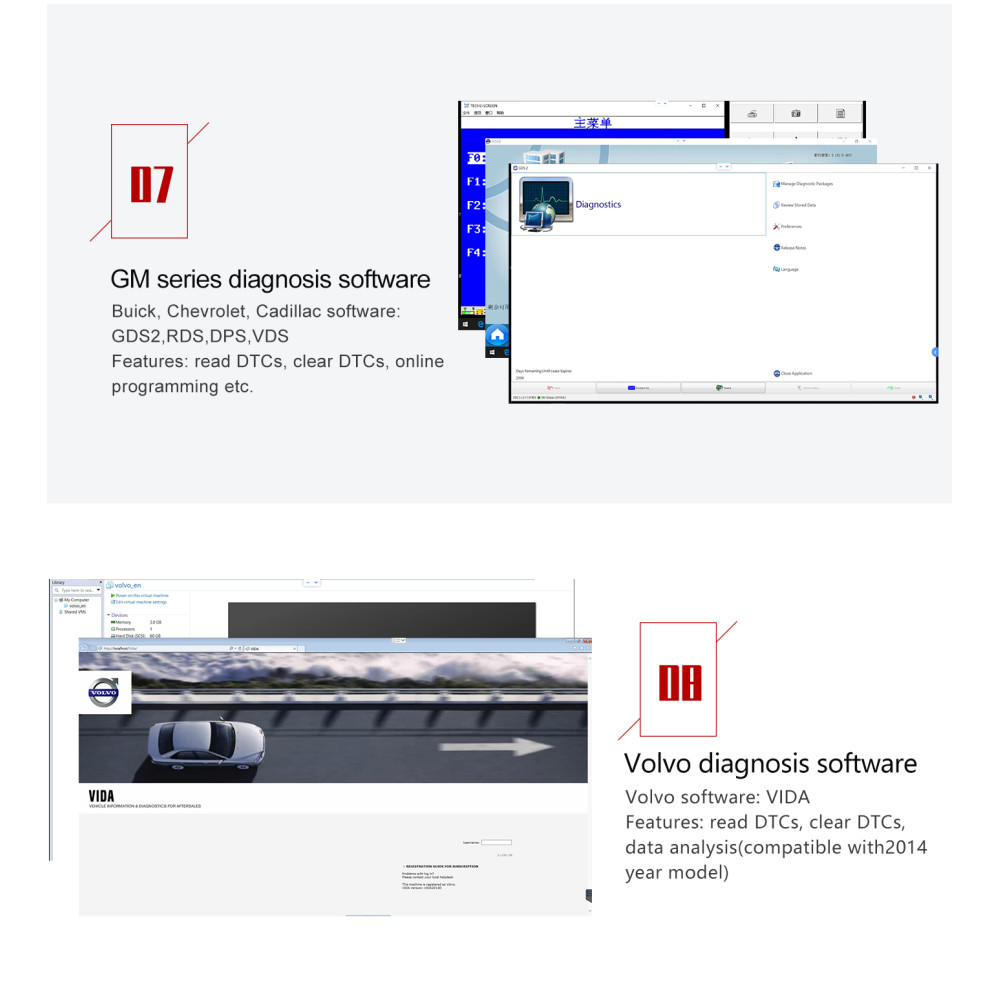
• GM — GDS2, RDS, DPS, VDS
• Volvo — VIDA; artwork references 2014
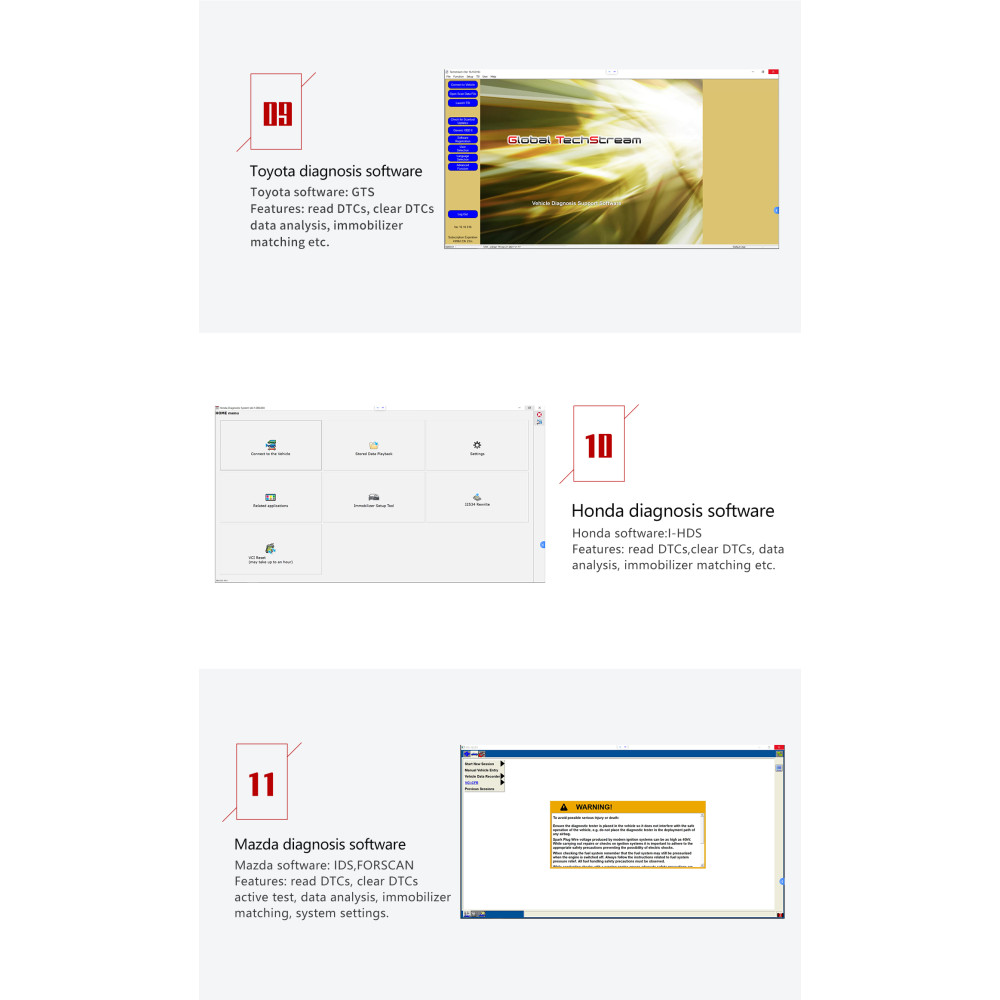
• Toyota — GTS / Techstream
• Honda — i-HDS
• Mazda — IDS / FORScan
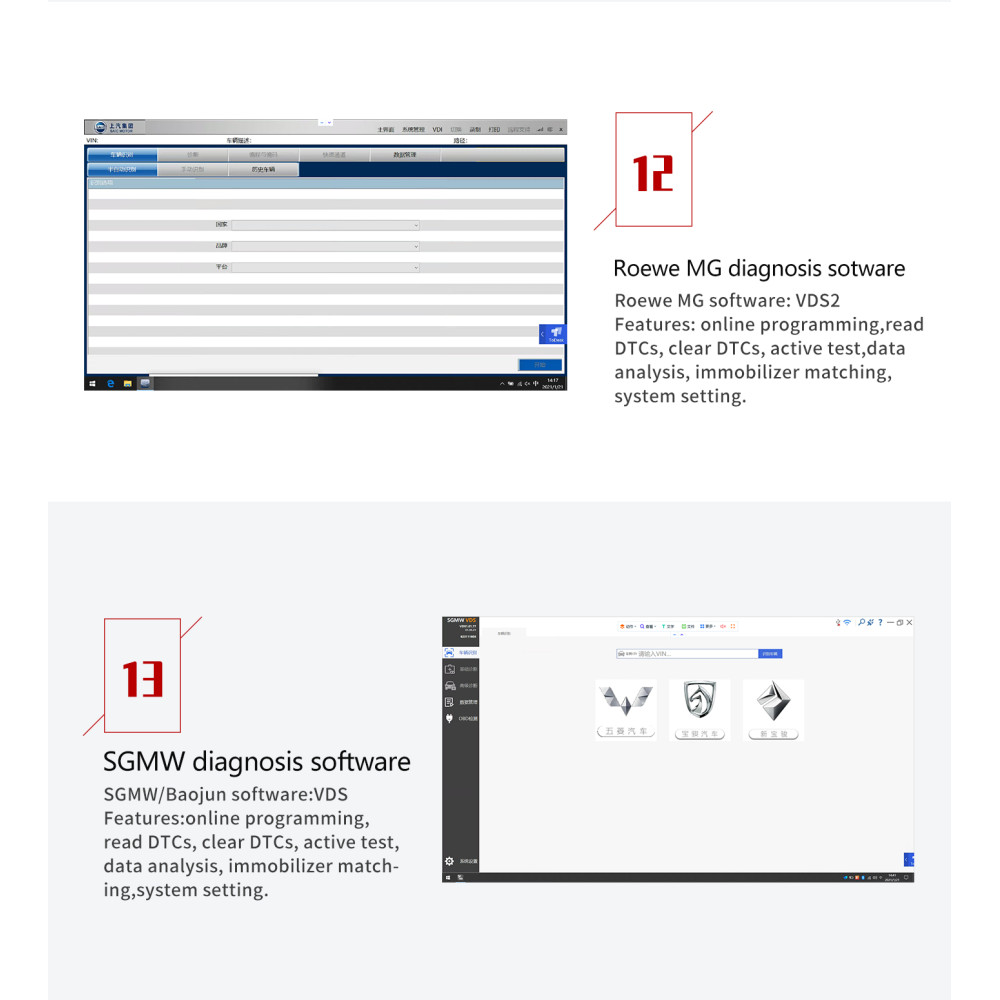
• Roewe / MG — VDS2
• SGMW / Baojun — VDS
These describe application families, rather than thirteen included licences or universal coverage.
Connections & Remote Workflows
Ports shown include USB Type-B, Ethernet, DC power and an external vehicle-cable connector.
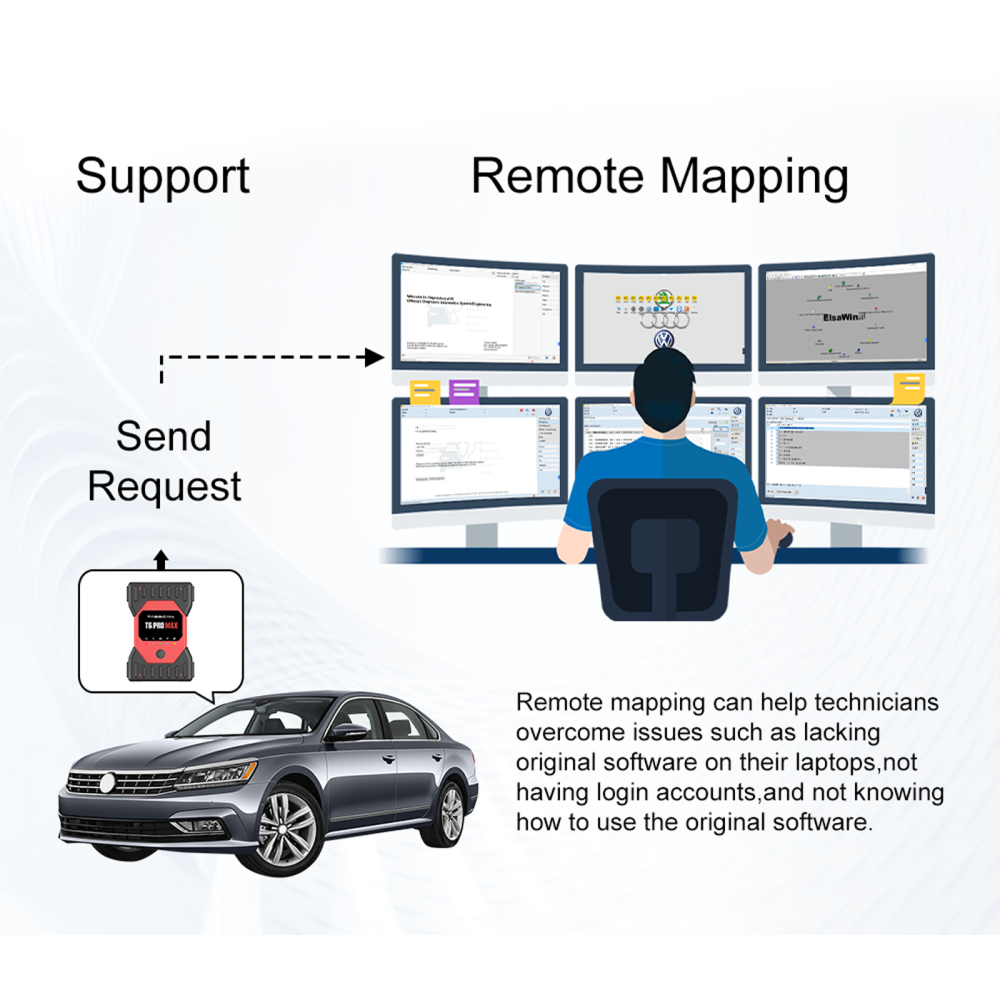
Remote mapping and mobile features require compatible software, access and any applicable services.
Software, Coverage & Gallery Notes
Software compatibility is not software supply.
A laptop, OEM licences, subscriptions, manufacturer accounts, online programming authorisation, app credits and remote technician services are not included unless expressly stated.
Please confirm the exact vehicle, model year, software version and intended function before ordering. Older software screenshots are examples, rather than a promise of current-model coverage.
The original Porsche/Ford gallery graphic contains a Cadillac labelling error. It does not establish that Ford diagnostic software supports Cadillac.
What’s Included
• Eucleia TabScan T6PRO MAX interface
• OBD diagnostic cable
• USB cable
• Power supply
This is a standalone interface package. Computers and other equipment shown in manufacturer illustrations are usage examples.
UK Delivery
Free UK delivery. All supplied selling prices include VAT.
Orders fulfilled from our UK stock are dispatched within one working day, using a next-working-day delivery service, subject to destination and carrier availability.
If UK stock is unavailable, we will contact you before dispatch to confirm direct shipment from Eucleia’s factory, the estimated delivery time and any applicable import charges.
Factory shipment will proceed only with your agreement. You may cancel for a full refund if the alternative arrangements are unsuitable.
International delivery charges are shown at checkout.
1-Year CARVAUK Warranty
Supplied with a 1-year warranty from CARVAUK Diagnostics Ltd. This warranty does not affect your statutory rights.
Before You Order
Confirm vehicle, computer, software and intended-function compatibility before purchase.
Programming requires suitable software, correct procedures and a stable vehicle power supply.
Contact CARVAUK for product and compatibility advice.
Drivers, Apps & Installation Resources
Visit the Eucleia Official Download Centre for drivers, apps and manuals. Select the correct package for your tester model.
If you need help choosing the right download, contact CARVAUK.
Tags: Eucleia, T6PRO MAX, multi-brand diagnostics, programming interface, CAN FD, DoIP, J2534, PDU